Adding a screen to fitness equipment: what to look out for

by
Joris Blaak
on
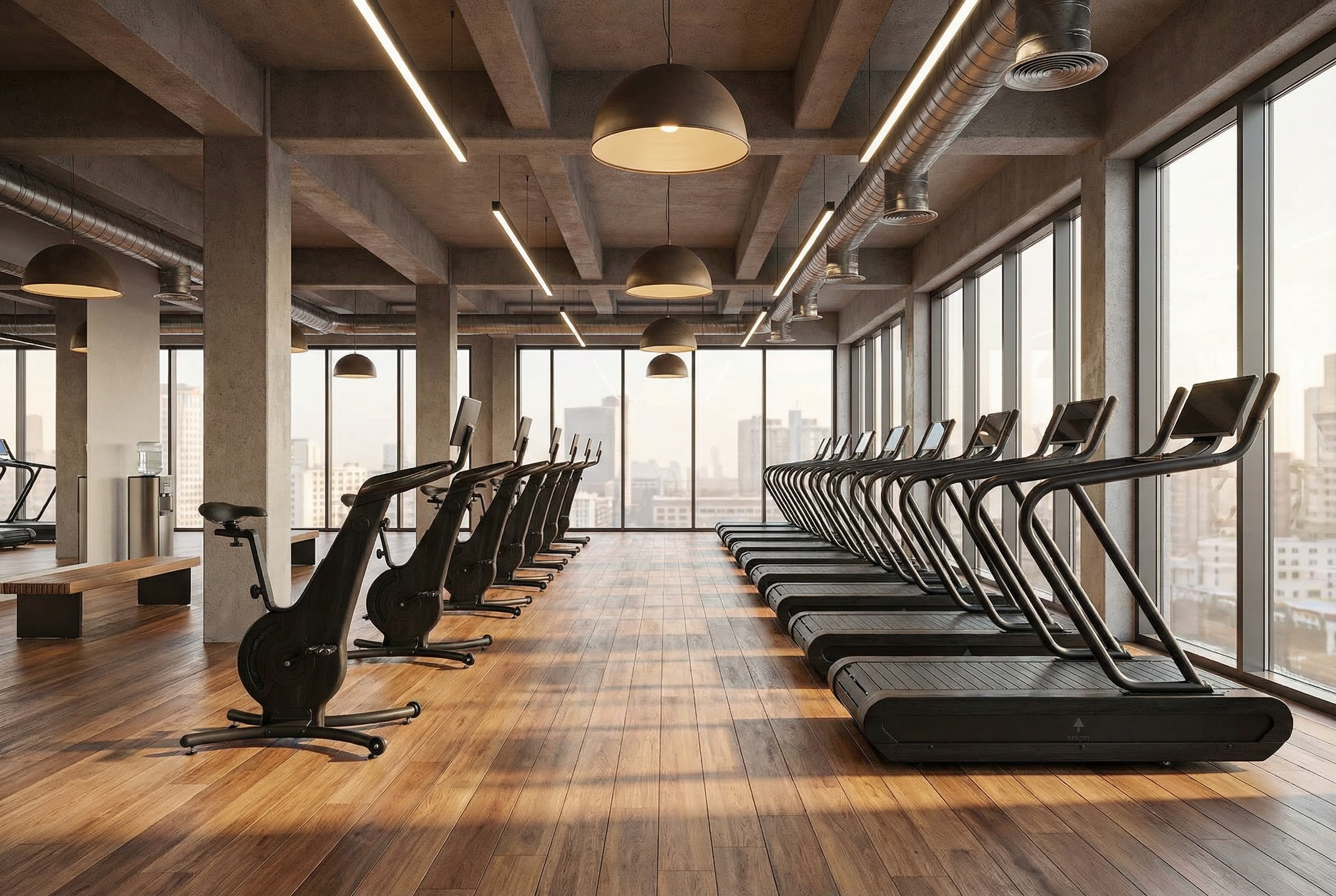
Connected fitness equipment can stream live classes, adaptive video programs, and on-demand workouts. Providers gain scalable revenue streams while subscribers enjoy immersive, flexible experiences that blend convenience with personalization across multiple platforms and devices. But getting there requires more than picking a screen and mounting it. The hardware, software, and integration decisions you make upfront determine whether that screen becomes a competitive advantage or a costly headache.
Two ways to add a screen
Adding a screen to fitness equipment generally falls into one of two categories. Each comes with its own trade-offs in cost, complexity, and user experience.
1. Tablet mounts and retrofit solutions
This approach uses commercial tablets mounted onto existing treadmills, bikes, rowers, or strength equipment. It's typically the fastest and most cost-effective way to introduce digital experiences to an existing fleet.
Benefits include:
Lower upfront investment
Faster deployment and installation
Wireless connectivity options
Minimal modifications to existing equipment
Ideal for retrofitting existing facilities
2. Built-in consoles
Built-in consoles replace or integrate directly into the equipment's hardware, creating a native and fully branded experience.
Benefits include:
Seamless hardware and software integration
Native experience
Complete control over the experience and the hardware
Consistent branding across the entire product line
The development effort and investment are higher, but the result is a premium experience that feels like a natural part of the equipment rather than an add-on.
The experience users expect
Hardware is only half the equation. Once a screen is in front of a user mid-workout, the software experience has to deliver.
Fast, reliable content delivery: Whether it's instructor-led classes, entertainment, or virtual training environments, content must load instantly and run smoothly. Buffering, delays, or interruptions quickly break immersion and reduce user satisfaction.
Data tracking and ecosystem connectivity: Users increasingly expect their workouts to follow them beyond the gym. Performance data should be automatically tracked, stored, and accessible across devices. Integrations with platforms such as Apple Health, Strava, Garmin, and other fitness ecosystems allow users to keep all their training data in one place.
Equipment integration: A screen becomes a training tool when it can communicate directly with the equipment. This allows workout content, coaching, and performance metrics to respond in real time to what the user is doing.
Community and motivation features: Leaderboards, group challenges, instructor cues, live rankings, and social interactions are often overlooked during hardware planning, but they're some of the most powerful drivers of engagement and retention. These features transform individual workouts into shared experiences and help users stay motivated over the long term.
Built for the gym floor
Fitness equipment touchscreens are not consumer displays. They operate under conditions that would degrade a standard tablet within weeks: constant sweat exposure, vibration from belts and flywheels, and continuous use across long operating hours.
Vibration & shock resistance: Treadmill belts and rowing machines generate continuous vibration. Connectors, mounts, and display glass must be rated accordingly.
Remote screen management: A fleet of screens across a gym or across multiple sites needs reliable remote update and monitoring capabilities from day one.
Kiosk & app lockdown: you don't want members closing your app and poking around the device. A locked-down screen means only your app runs and just the experience you intended.
The software layer is where it comes together
Getting the hardware right is just the starting point. What actually separates one fitness screen from another is what runs on it. A well-built fitness screen application can display your training videos, your brand, your member profiles and workout history, class schedules synced to your booking system, and promotional content during idle time all managed remotely without touching the device.
Location-aware logic lets screens behave differently based on where they are: turning on and off according to studio opening hours, showing location-specific content, or switching automatically into idle mode with branded content when no session is active.
This is the layer most hardware decisions don't account for early enough and it's where the experience either holds together or falls apart.
MoveLab's approach
At MoveLab Studio, we work at the intersection of hardware constraints and software product experience helping fitness brands navigate exactly these decisions: which screen category fits the use case, what the platform needs to deliver, and how FTMS integration changes what's possible.
Our platform, MoveLab Connect, was built specifically for this. It includes the most commonly requested fitness-specific features out of the box: hardware connectivity, content management, member data, booking integrations, and a robust infrastructure for rolling out updates across your entire fleet. Whether you're enhancing existing equipment or building something entirely new, we support you at every stage.
The right screen adds a revenue channel and a retention lever. The wrong one becomes a maintenance burden. The difference usually comes down to decisions made before a single line of software is written.


